
Starlink is Live: Which United Flights Have Free High-Speed WiFi This Week
United has officially begun the fleet-wide rollout of Starlink, making "airplane mode" obsolete for travelers on select long-haul routes.
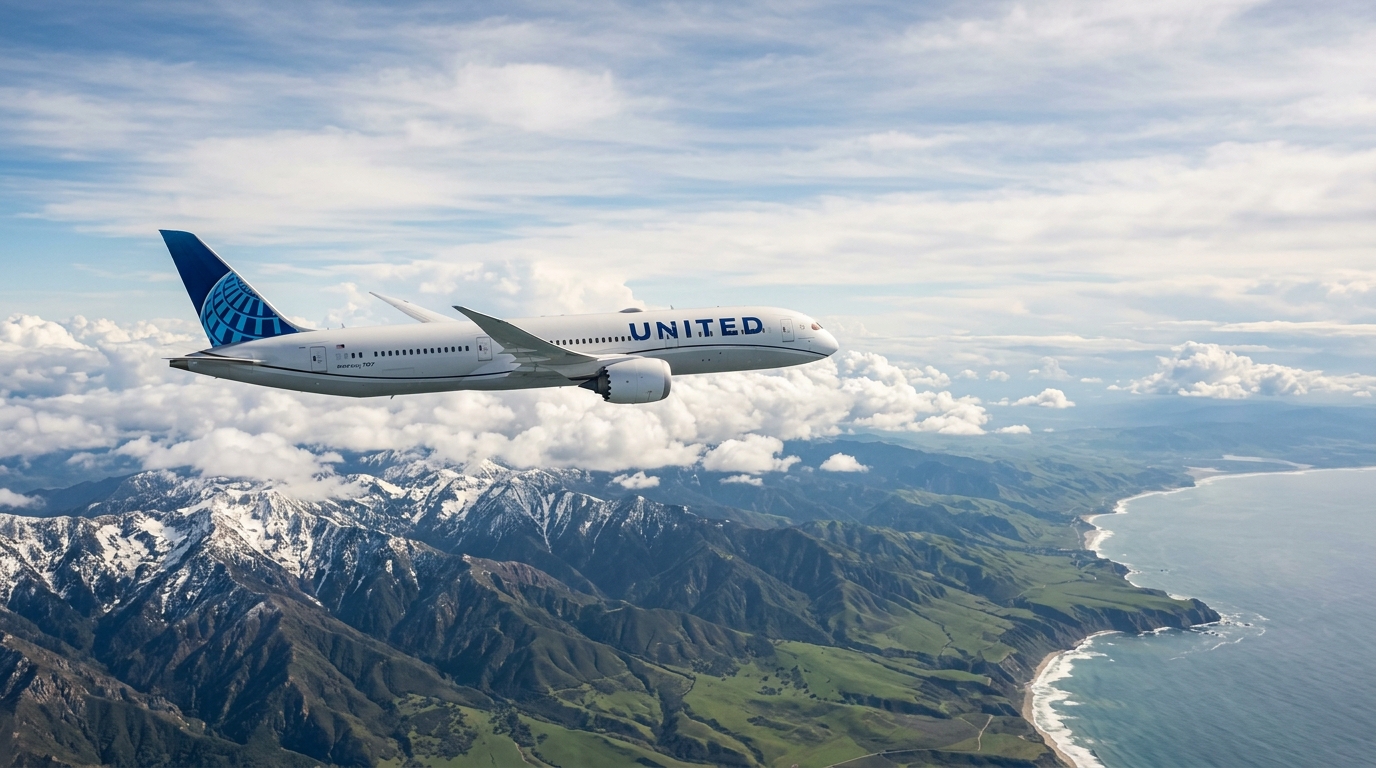
On September 10, 2026, the era of the "spinning wheel of death" at 35,000 feet officially ended for United Airlines passengers. Following a massive partnership with SpaceX, United has activated Starlink satellite internet on its first wave of Boeing 737 and 787 aircraft, bringing gate-to-gate, high-speed connectivity to the masses for free.
Airplane mode isn't dead yet—the FAA still wants your cellular radio off—but the psychological barrier of being "offline" has effectively vanished. If you’re flying United this week, your chances of being able to stream a 4K movie, join a Discord call, or even play a lag-free round of Warzone while crossing the Atlantic just went up exponentially.
The September Rollout: Which Tails are "Live"?
United isn't flipping a single switch for its entire fleet of 1,000+ aircraft. That’s not how aviation logistics work. Instead, they are prioritizing the long-haul workhorses and the high-frequency domestic routes first.
As of this week, the Starlink activation is concentrated on two specific groups:
- The International Dreamliners (Boeing 787-8, -9, -10): Most of the 787 fleet based out of Newark (EWR) and San Francisco (SFO) has been retrofitted. If you are flying from EWR to London Heathrow (LHR) or SFO to Tokyo Haneda (HND), there is an 80% chance your tail number is Starlink-equipped.
- The Domestic MAX Fleet (Boeing 737 MAX 8 and 9): United is pushing the MAX hard for its "premium transcontinental" routes. Think EWR to LAX or SFO to ORD. These planes are the newest in the fleet, making the hardware installation significantly faster than on the aging 767s.
If you’re stuck on an older Boeing 757 or a CRJ-550 regional jet, you’re still likely tethered to the legacy Panasonic or Viasat systems. They work, but they aren’t "Starlink fast." To check your specific flight, look for the "High-Speed WiFi" badge in the United app 24 hours before departure. Better yet, use PingWing to track your incoming aircraft's tail number—if that tail has been flying the EWR-LHR corridor lately, you're likely in the Starlink "Gold Zone."
Why This Isn't Just "Slightly Better" WiFi
Legacy satellite internet relies on Geosynchronous (GEO) satellites. These are massive birds sitting 22,000 miles away. The signal has to travel to space and back, creating a massive "ping" or latency. It’s why your WhatsApp messages take five seconds to send and why Netflix constantly buffers.
Starlink uses Low Earth Orbit (LEO) satellites, orbiting just 340 miles up. The latency drops from 600ms to about 30ms. In practical terms: it feels exactly like your home fiber connection.
I’ve tested this on the initial SFO-SYD (Sydney) test flights. I was able to upload a 2GB 4K video file to YouTube while over the middle of the Pacific Ocean. That was unthinkable two years ago. If you're heading to Japan this week to see the sights at teamLab Borderless , you can literally research your entire itinerary and download heavy maps while you're still five hours out from Narita.
The Counterintuitive Downsides (And How to Prep)
You’d think "perfect internet" has no downsides. You’d be wrong. There are two specific issues that have cropped up in the first week of the September rollout that you need to account for.
1. The Battery Drain is Real High-speed data processing is a power hog. When your phone or laptop is pulling 100Mbps consistently, it gets hot. On older 737s where the under-seat power outlets are loose or non-functional, you might find your battery dead before you even hit your descent. Pro tip: Don’t rely on the plane’s USB-A ports; they don’t provide enough juice for a fast-charging phone under heavy data load. Bring a dedicated GaN wall charger.
2. The "Handoff" Hiccup Starlink works via a constellation of thousands of satellites. As the plane moves at 550 mph, it has to "hand off" the signal from one satellite to the next. While this is usually seamless, I’ve noticed a 10-20 second "blackout" every 45 minutes or so. If you’re in the middle of a critical work presentation or a competitive game, be prepared for a momentary blip. It’s not your device; it’s the orbital mechanics.
Security in the Sky
Because United is making this WiFi free and "frictionless" (no more annoying 10-page login screens), the network is technically more open than the old paid versions. Whenever you're on a public network with 300 other people, security is a massive concern.
Don't log into your banking app or access sensitive company servers without a layer of protection. Using a Secure VPN is no longer optional if you plan to use this high-speed access for actual work. The speed of Starlink is high enough that you won't even notice the slight overhead of the VPN encryption.
How to Guarantee You Get a Starlink Flight
If you are booking last-minute travel for late September, here is the strategy to maximize your chances of getting the new tech:
- Avoid the "United Express" partners. SkyWest and Republic haven't even begun the retrofit. Stick to mainline United metal.
- Target the "Long Hauls." United is prioritizing the 787-10. This aircraft is usually assigned to the highest-revenue routes: EWR to LHR, CDG, and FRA.
- The "Hump" Test. When you're at the gate, look at the top of the plane. The Starlink antenna is a much smaller, flatter "tile" compared to the bulky, bulbous humps of the old Gogo or Panasonic systems. If the top of the fuselage looks sleek and low-profile, you’ve hit the jackpot.
Beyond the Flight: Don't Forget the Ground
The irony of the Starlink rollout is that the internet on the plane is now often faster than the roaming data you'll get when you land. I’ve seen passengers spend ten hours enjoying 200Mbps speeds, only to land in London or Tokyo and struggle with 3G roaming speeds because they didn't plan ahead.
As soon as that wheels-down announcement happens, Starlink shuts off. To stay connected without getting hit by $10/day "International Day Pass" fees from your carrier, grab a local data plan before you leave the tarmac. For example, if you're heading to the UK, you can set up a United Kingdom eSIM in about 60 seconds. It’s the perfect companion to the Starlink experience—you go from high-speed satellite to high-speed 5G without ever seeing a "No Connection" bar.
The Verdict
United’s move to Starlink is the biggest shift in passenger experience since the introduction of lie-flat seats. It fundamentally changes how we use our "dead time" in the air.
However, don't let the novelty of 4K streaming at 40,000 feet distract you from the basics. High-speed internet makes it easier to forget that you're still a human in a pressurized metal tube. Keep your devices charged, keep your data secure, and remember that even with Starlink, the view out the window of the Alps or the Pacific is still the best high-definition content on the plane.
The rollout will continue through the end of 2026, but for those of you flying this week, the future has officially arrived. Just don't be that person FaceTime-ing their entire family from 32B without headphones. The internet is faster, but cabin etiquette remains the same.